 Rift
RiftTrack and share your Riftbound collection
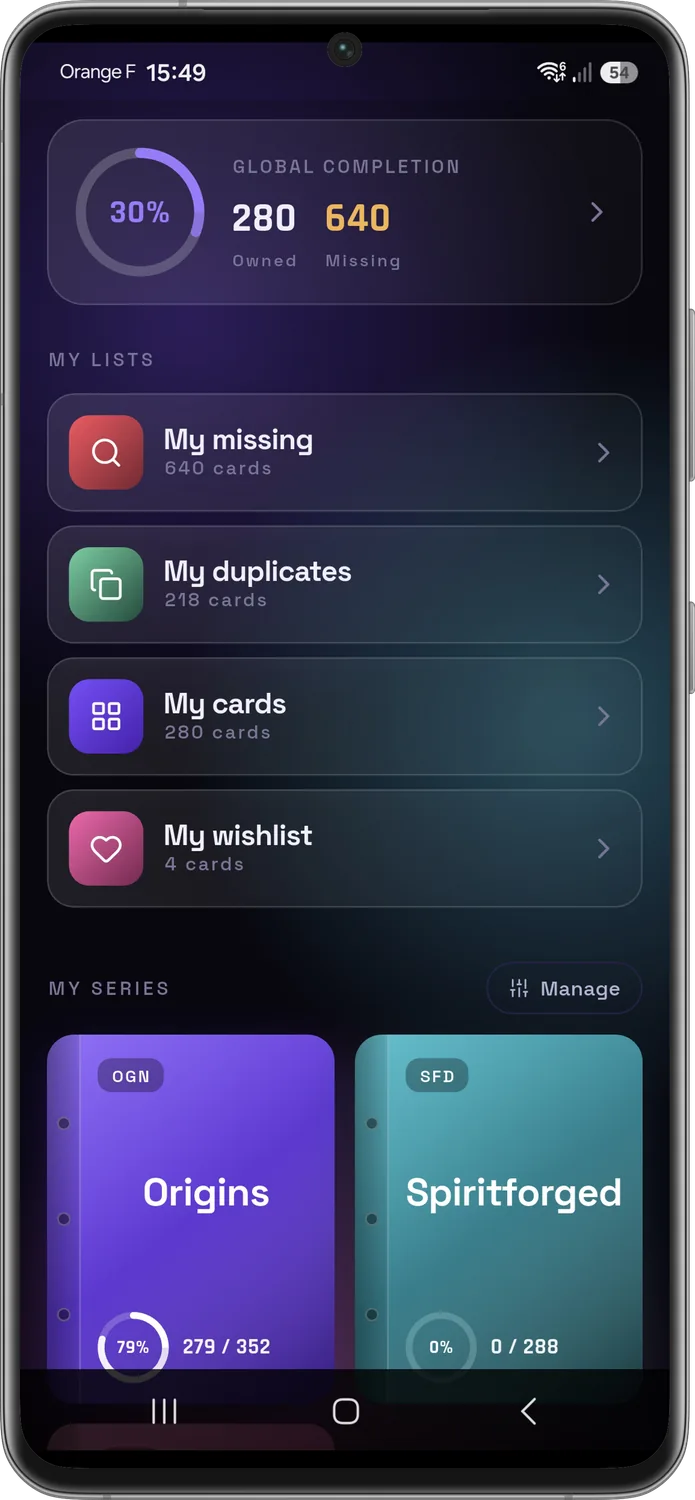
Tick off your cards, spot what you're missing, and compare collections with your friends to trade the right cards.

Free, no ads · Offline on Android · Synced across your devices · Official HD artwork
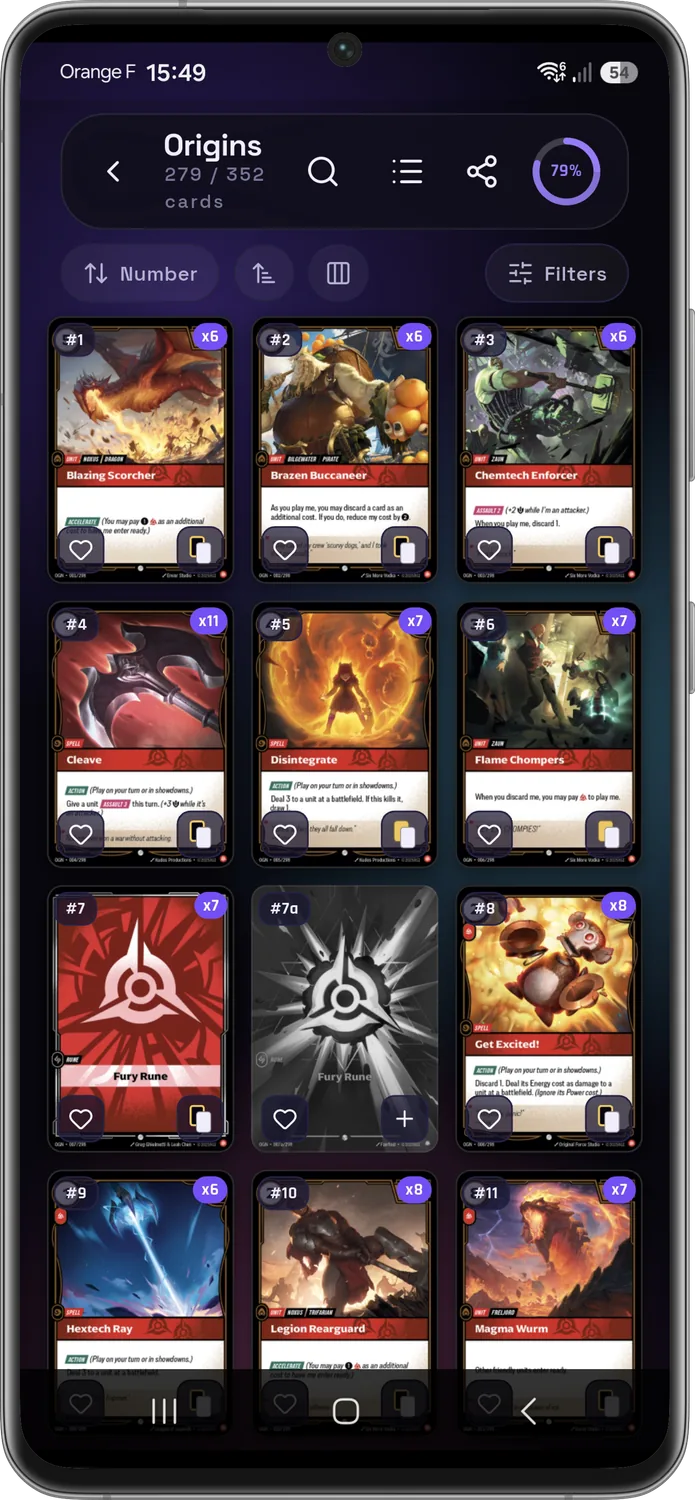
Tick off and flip through your binders
Browse every set card by card, tick what you own, and flip through your pages like a real binder — from 2×2 to 4×4.
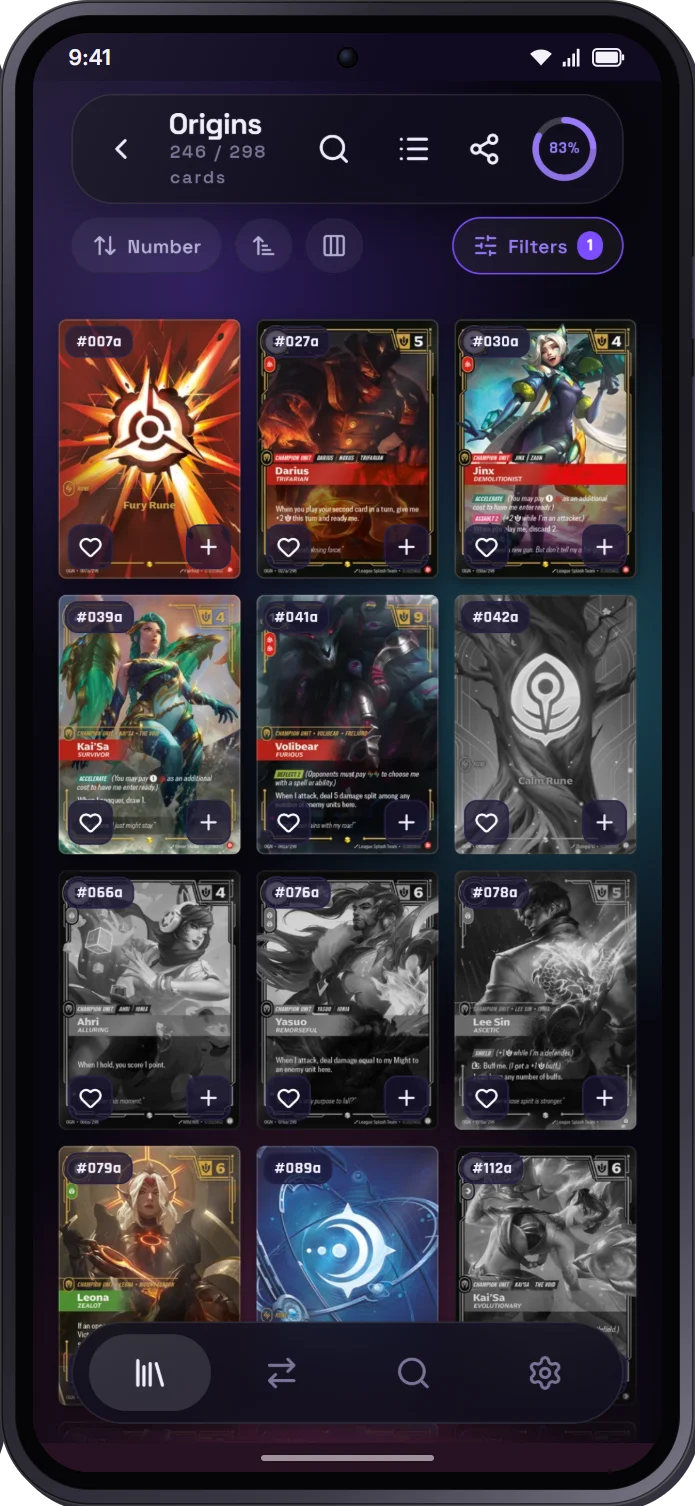
Hunt down your showcases
Filter a binder by rarity, domain or type: the cards you own stay in colour, the missing ones turn grey. Perfect for chasing alternate arts and secret cards.
Your cards in high definition
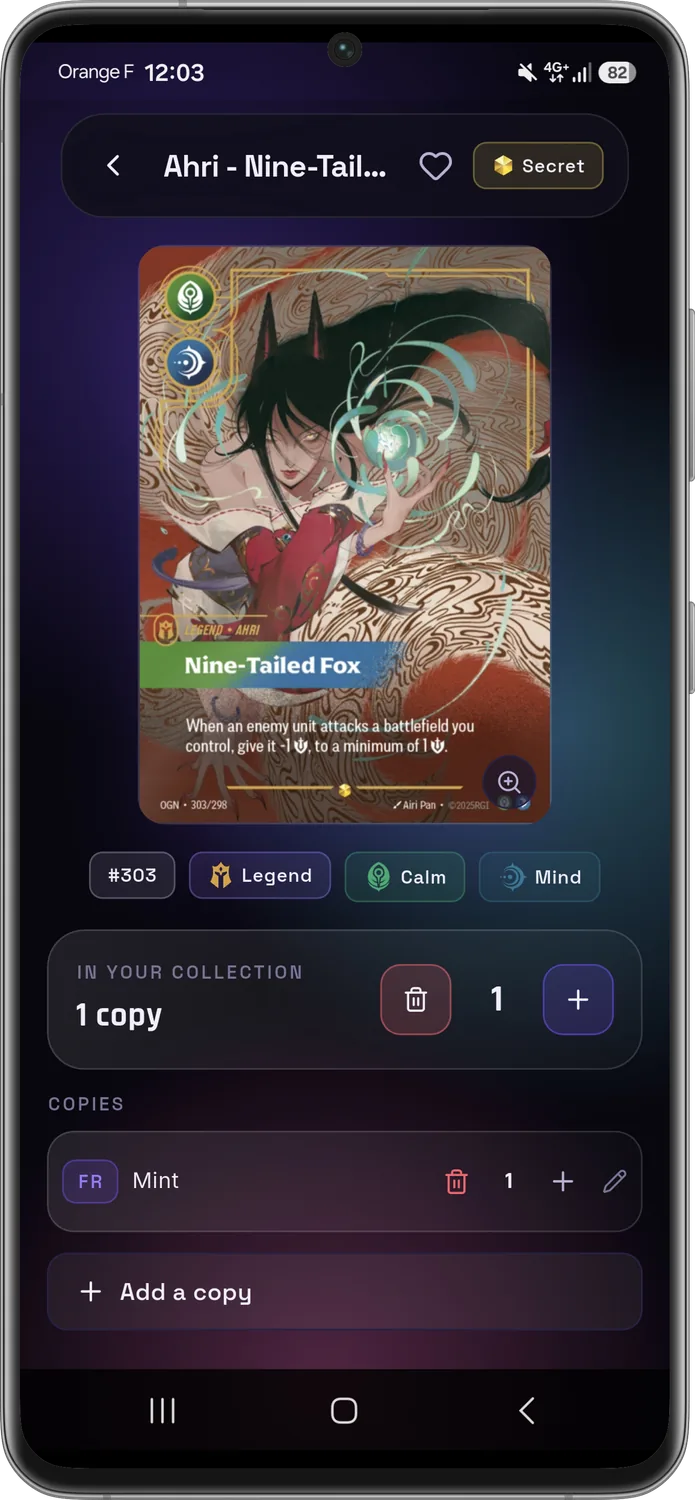
Official artwork in full size, plus detailed management of each copy: quantity, condition, language, Standard or Foil variant.
Know exactly what you're missing
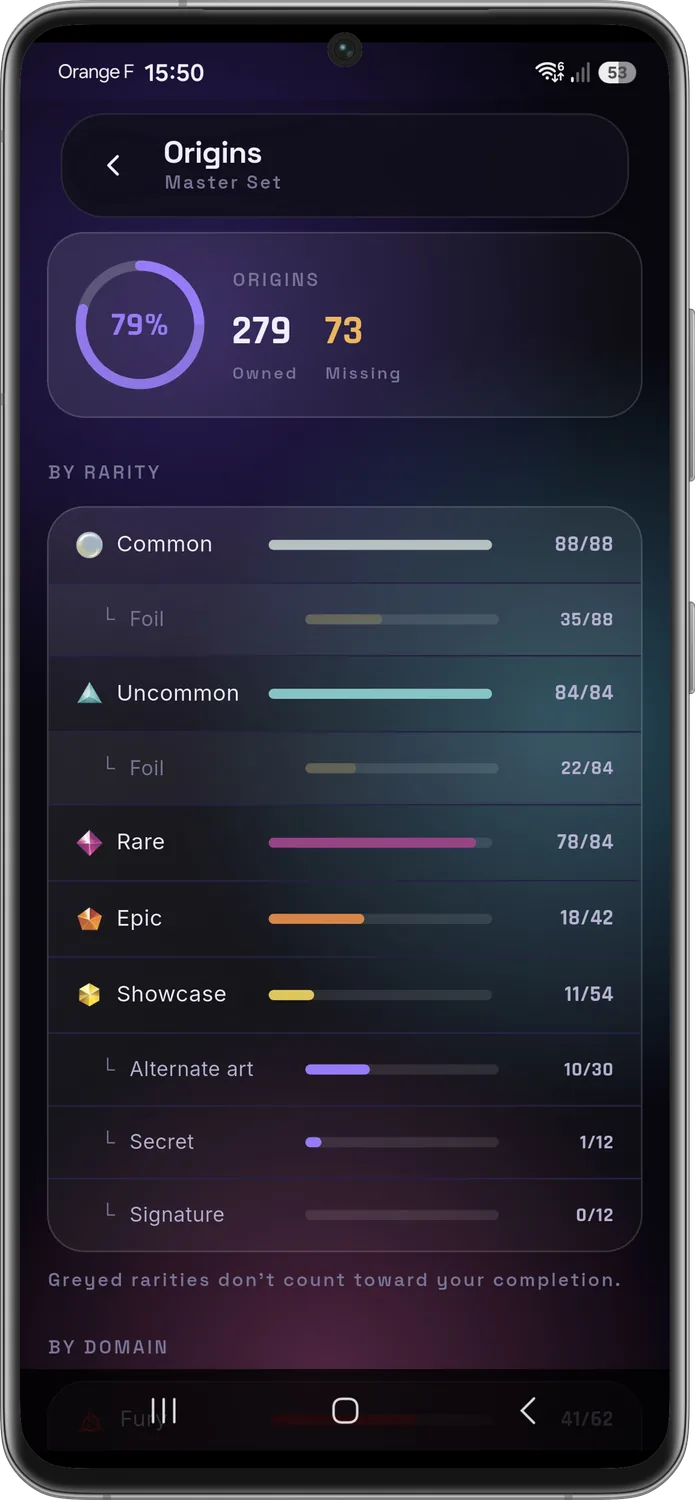
Completion percentage and stats by set, rarity, domain and type. Define your Master Set: alternate arts, secret and signed cards count or not — your call.
What your collection and duplicates are worth
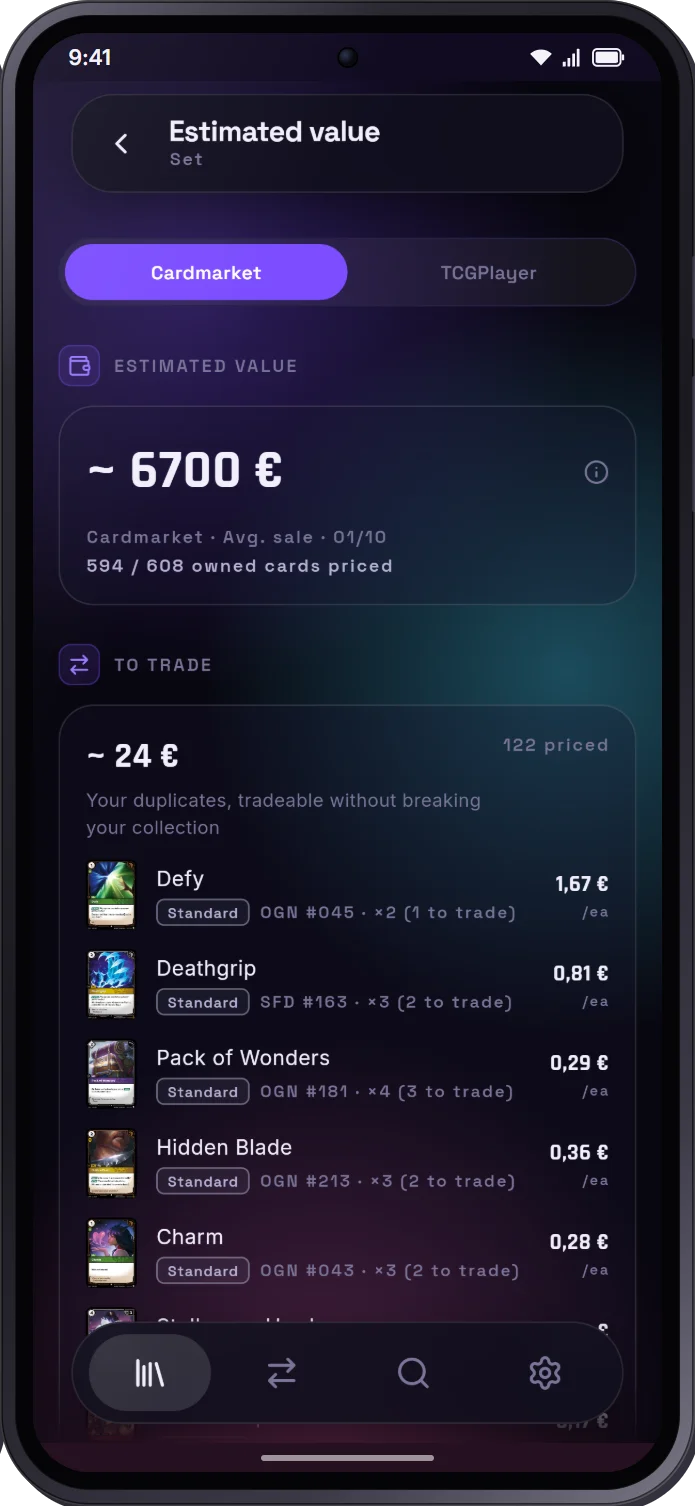
Turn on Cardmarket or TCGplayer prices: RiftCardex estimates your collection and what your tradeable duplicates are worth. Prices are off by default and only show up if you want them.
Compare and trade with your friends
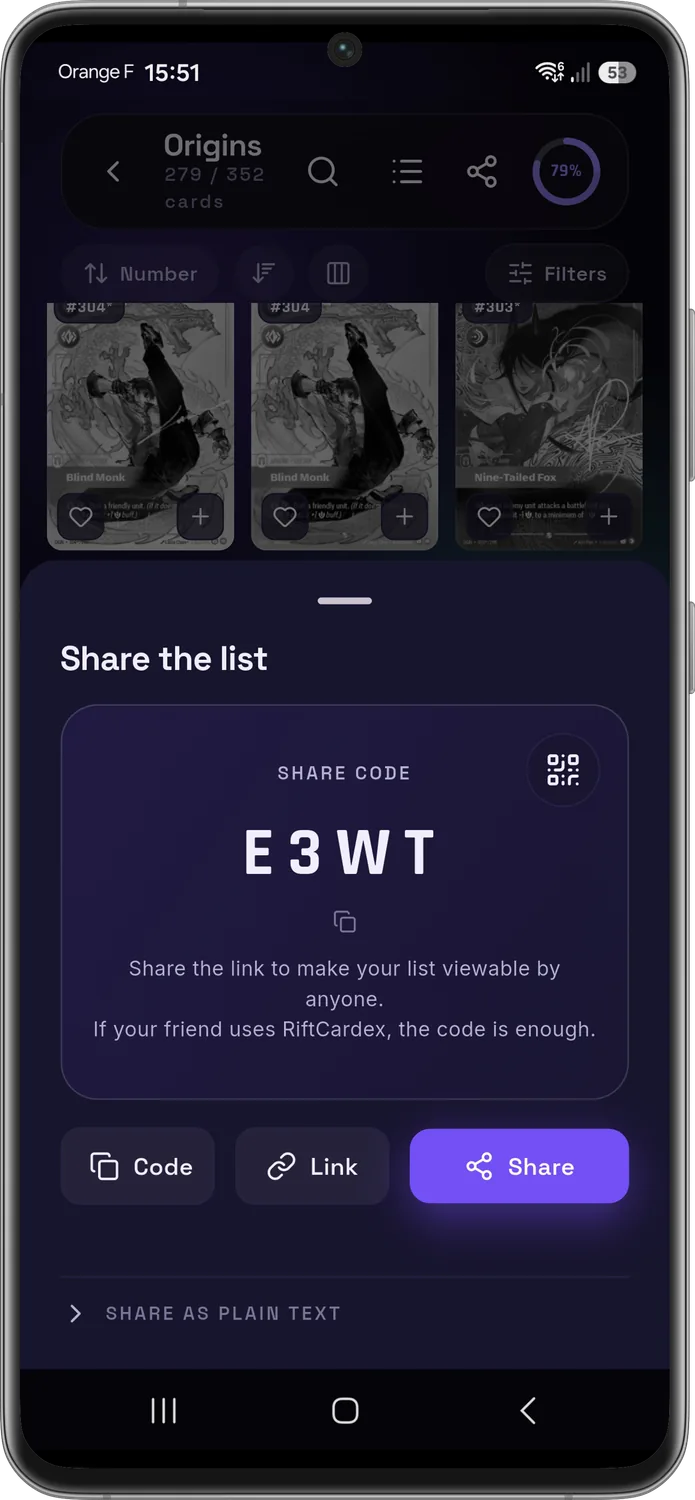
Share your missing cards and duplicates with a code or link. RiftCardex instantly highlights the cards you can trade — no more checking by hand.